











Outline
What is an e-SIM?
- Key benefits of an e-SIM
- Is your device compatible with an e-SIM
- How to get an e-SIM
- Frequently asked questions
- Conclusion
What is an eSIM? Everything you need to know
The stress of swapping SIM cards, or the stress of waiting in line to get a new SIM every time you travel to a new country, is not what you or anybody wants to go through.
Hence, e-SIMs exist as a smarter, faster, and fully digital way to stay connected, with no physical card required.
In this guide, you’ll learn what an eSIM is, how it works, and how to get one through e-SIM providers in just a few minutes.
📢 GET DETAILED ARTICLES + JOBS
Join THSB's WhatsApp Channel and never miss a post or opportunity.
What is an e-SIM?
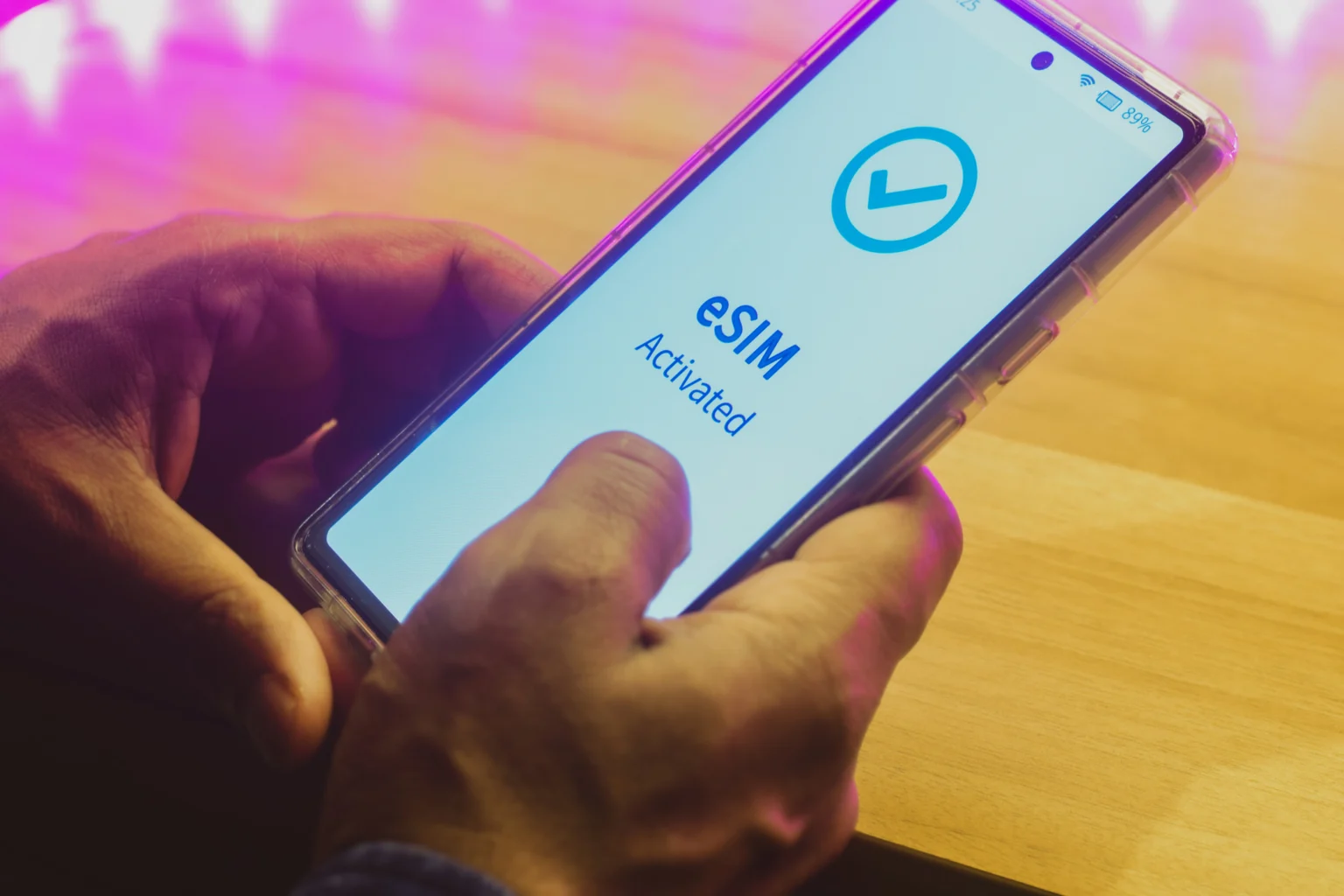
An eSIM or embedded SIM is a tiny chip permanently built inside your phone, no slot, no card. Because it lives inside the device, you can switch carriers or change your number straight from your phone settings without touching anything physical.

Once you activate an e-SIM, it works just like your physical SIM, allowing you to connect to the cellular network, use mobile data, and make calls.
Key benefits of an e-SIM
The key benefits of using an e-SIM are:
- They are fast and easy to activate.
- It eliminates the risk of losing or breaking your SIM card.
- E-SIMs offer better security in case of theft; the thief cannot easily remove your SIM to disable tracking.
- With an e-SIM, you can easily connect to a local network when you travel to a new country.
- You can have multiple e-SIMs on one device, and can switch to any one when needed.
Is your device compatible with an e-SIM?
You can confirm your phone compatibility through a code: Dial *#06# on your phone’s keypad and look for a 32-digit number labelled EID. If you find it, that means your device is compatible.
Here is a list of some popular compatible devices:
- Compatible iPhones: if you’re using an iPhone XR or newer, including the iPhone 11, 12, 13, 14, 15, 16, or 17 series, you’re good to go. But some iPhones from certain regions, like iPhones from Mainland China, and iPhones from Hong Kong and Macao, can not support eSIM.
- Compatible Samsung: Galaxy S20 and newer, plus the Z Fold and Z Flip series
- Compatible Google Pixel: All Pixel devices from the Pixel 2 onwards
- Compatible Motorola: Razr and Edge series from 2022 onwards
- Compatible OnePlus: OnePlus 11, 12, and 13
How to get an e-SIM
If you follow these steps accurately, you will get your e-SIM activated on your device:
- STEP 1: Confirm if your phone is compatible – First, use the information above to confirm if your phone supports an e-SIM before you move on to the next step.
- STEP 2: Select an e-SIM provider – Always go for an e-SIM provider you can trust. It is advisable to use reliable e-SIM providers like Nosh that offer easy activation and connection to major network providers around the world.
- Step 3: Choose a plan – On the e-SIM provider web or app, check the available plans for call/data and pick one that suits your needs, whether e-SIM for local use in a single country like Nigeria, or e-SIM for regional or global use.
- Step 4: Purchase and receive your QR code – Complete your purchase, and you’ll receive a QR code, or SM-DP+ Address and Activation Code instantly via email or directly on the app or web.
- Step 5: Install and activate – Go to your phone’s settings, navigate to the eSIM or cellular section, and scan the QR code, or if you are using the manual method, write down the SM-DP+ Address and Activation Code sent to you, and insert it.
- Step 6: Start using your eSIM – after following the above steps, you will automatically get connected. You can manage your plan, switch networks, or top up anytime straight from your phone settings.
Frequently asked questions
- Can I use eSIM in Nigeria?
Yes, you just need to activate your eSIM on your phone and use it seamlessly. You can easily purchase your eSIM on Nosh, one of the best eSIM providers in Nigeria.
- Can I use WhatsApp with an eSIM?
Yes, WhatsApp works perfectly with an eSIM, just the way it works with a physical SIM.
- Which is safer, eSIM or physical SIM?
eSIM is safer than a physical SIM because you cannot remove it like a physical SIM
THSB Conclusion
An eSIM is simply a smarter way to stay connected. It’s built into your phone, easy to activate, and lets you switch carriers or connect to a local network without touching a physical card.
If your device supports it, there’s no reason to hold back. Pick a reliable eSIM provider, choose a plan that works for you, and get connected in minutes.
Now that you know how to get an eSIM, reach out to an eSIM provider and stay connected wherever you go.
Source: The High Street Business
Disclaimer: Some content on The High Street Business may be aggregated, summarized, or edited from third-party sources for informational purposes. Images and media are used under fair use or royalty-free licenses. The High Street Business is a subsidiary of SamBoad Publishing under SamBoad Business Group Ltd, registered in Ghana since 2014.
For concerns or inquiries, please visit our Privacy Policy or Contact Page.

Samuel Kwame Boadu is a Ghanaian entrepreneur, writer, and digital consultant passionate about creating impactful stories and business solutions. He is the Founder & CEO of SamBoad Business Group Ltd, a dynamic company with subsidiaries in digital marketing, logistics, publishing, and risk management.